

GymMaster
Member Hub
Savage memberships run on GymMaster. This page explains how to get in, check in and see your membership.


Member login
Manage your membership on GymMaster's secure page.
Secure login via GymMaster
 Savage does not store your GymMaster password. Sign-in happens on GymMaster's own secure page.
Need help?

GymMaster
GymMaster member portal
Savage memberships, check-in and visit history run on GymMaster. This page is the bridge — your account itself lives in the GymMaster portal and member app.
Trouble opening the portal? Use the GymMaster member app, or contact reception and we will check your profile.
Getting your login
- 01Download or open the GymMaster Member App.
- 02Choose "Get My Login".
- 03Enter the same email address you registered with Savage.
- 04Open the email from GymMaster and create a password.
- 05Use Bluetooth Check In once Savage has activated your membership and tag.
Troubleshooting
Cannot access your account?
- Confirm you are using the email address you gave to Savage.
- Use "Get My Login" in the app to receive a new set-up email.
- Check your spam folder for the GymMaster email.
- Still stuck? Contact reception and we will verify your profile.
RFID
Physical membership card
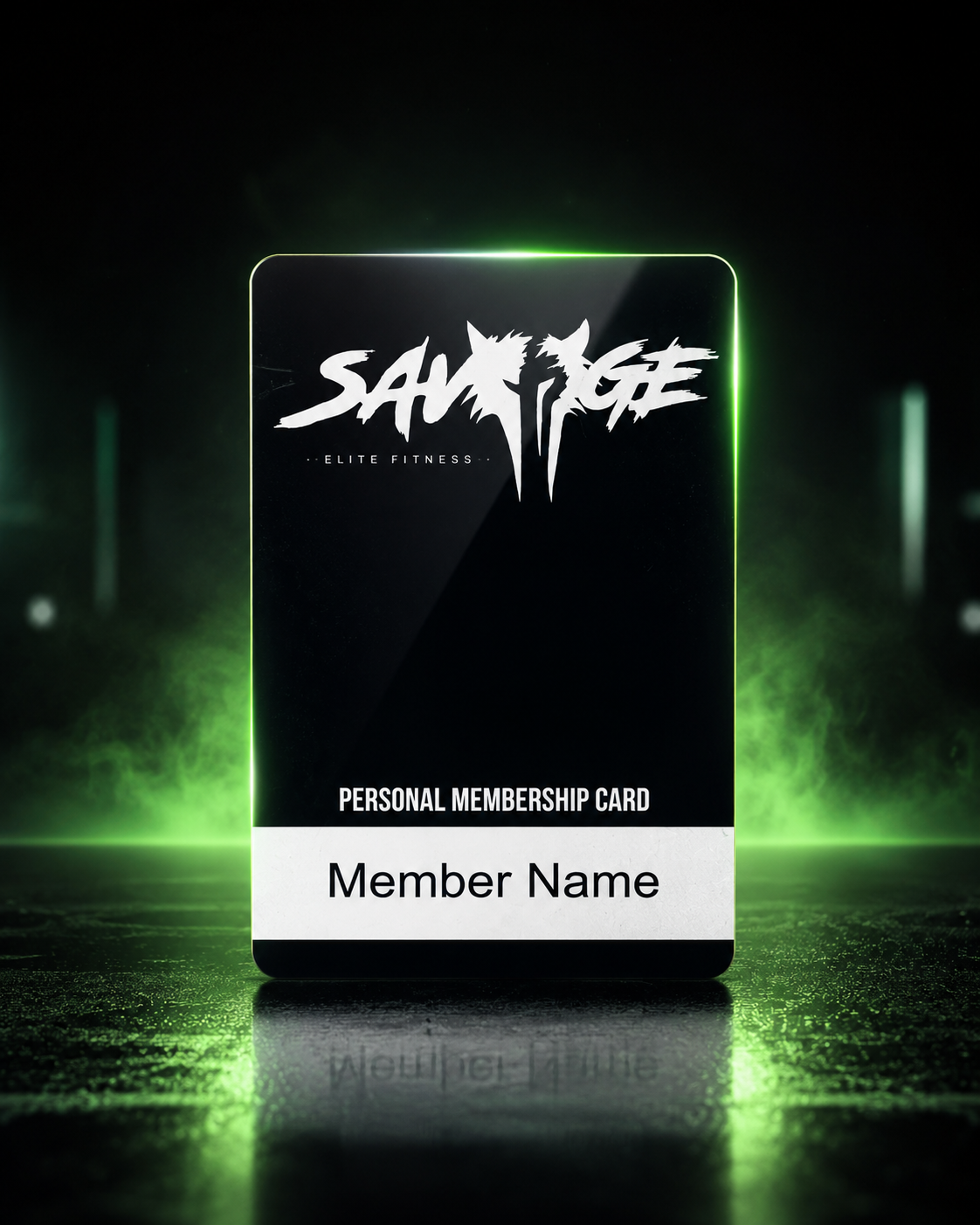
- The physical card uses RFID.
- It is optional and issued on request.
- It is linked to your GymMaster profile.
- The first card currently has no separate fee.
- A replacement fee applies after loss or damage. The amount is confirmed by reception.